

In this article:
- How we compared the best font marketplaces
- Font marketplaces compared at a glance
- Subscription marketplaces
- Pay-per-font marketplaces: where to buy fonts you own
- Free libraries worth knowing
- How font licensing actually works
- Subscription vs buying individual fonts: which is better?
- Free vs paid font sites: when free is enough
- A note on font marketplace pricing
- Frequently asked questions
- The bottom line
The best font marketplaces depend on how you buy. If you need fonts all the time alongside other creative assets, a subscription like Envato or Adobe Fonts gives the best value. If you want to own a license outright for a single brand or client project, MyFonts and Fontspring are the strongest pay-per-font options. If your budget is zero, Google Fonts is the safest free library for commercial work.
How we compared the best font marketplaces
We judged each marketplace on four criteria:
- Licensing clarity: A good font marketplace tells you in plain language what commercial use its license covers before you pay.
- Pricing model and value: The right pricing model is the one that matches how often you need new fonts, not the one with the lowest sticker price.
- Selection size and quality: A large catalog only matters if the fonts are well made, with complete character sets and multiple weights.
- Trying before committing: The best marketplaces let you test a font with your own text, or use a trial version, before you commit money or a client project to it.
Font marketplaces compared at a glance
| Marketplace | Pricing model | Commercial license included | Selection | Best for |
|---|---|---|---|---|
| Envato | Subscription (unlimited downloads) | Yes, per Envato license terms | Large library of fonts plus millions of other creative assets | Frequent font users who also need graphics, templates, video, and audio |
| Adobe Fonts | Included with Creative Cloud and other paid Adobe plans | Yes, for desktop and web; no app embedding | Thousands of fonts from 150+ foundries | Designers already paying for Creative Cloud |
| MyFonts | One-time purchase per font or family | Yes, with separate desktop, web, app, and e-doc licenses | One of the largest catalogs available | Buying a specific professional font to own |
| Creative Market | One-time purchase per font | Yes, desktop license by default; web, app, and ePub sold separately | Independent designers, strong in display and script fonts | Trendy, handmade, and display fonts for branding and social |
| Fontspring | One-time purchase; no subscriptions | Yes, perpetual; “Worry-Free” badge flags broad licenses | Curated catalog from respected foundries | Buyers who want the clearest possible license terms |
| Fontstand | Monthly rental; own after 12 rental periods | Yes, desktop rental with hosted web fonts | Independent foundries, high-end text typefaces | Testing premium fonts on real projects before buying |
| Google Fonts | Free | Yes, open source licenses | Well over 1,500 families | Free commercial use on web, print, and apps |
| Fontshare | Free | Yes, free for personal and commercial use | About 100 families from Indian Type Foundry | Free fonts with a premium, foundry-made feel |
| Font Squirrel | Free | Yes, but verify each font’s license | Hand-picked free fonts | Free fonts plus webfont tools and font identification |
Subscription marketplaces
Subscriptions make sense when you need fonts often. You pay a recurring fee, get access to a whole library, and try fonts freely on real work without buying each one. The trade-off is that access is tied to your subscription, so read what happens to your licenses if you cancel.
Envato: the best value if you need fonts and other creative assets
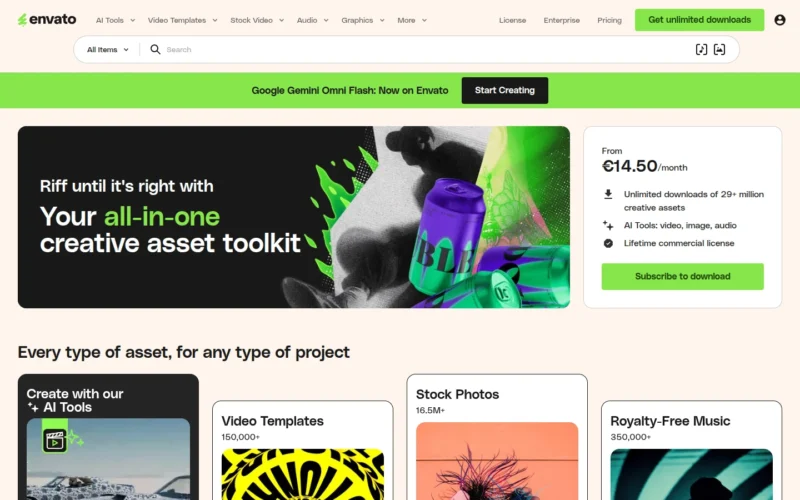
Envato is a subscription marketplace that bundles fonts with unlimited downloads of millions of other creative assets, including graphics, templates, stock video, music, and photos, and now also includes AI generation tools on its plans. Fonts come with a commercial license covering client work, websites, logos, and merchandise, and Envato’s Help Center explains that designs you created during an active subscription keep their license after you cancel. See the official license terms, the Envato license FAQ, and the current pricing page for the details, since plans and terms are the source of truth. The font library leans toward display, script, and branding typefaces from independent designers, which suits marketers, freelancers, and agencies producing a lot of content.
Limitation: A subscription only pays off if your need is ongoing. If you want one typeface for one brand identity, buying it outright elsewhere will cost less, and you cannot install fonts again or start new projects with them once your subscription ends.
The best value if you need fonts regularly alongside other creative assets.
Adobe Fonts: the easiest choice if you already pay for Creative Cloud
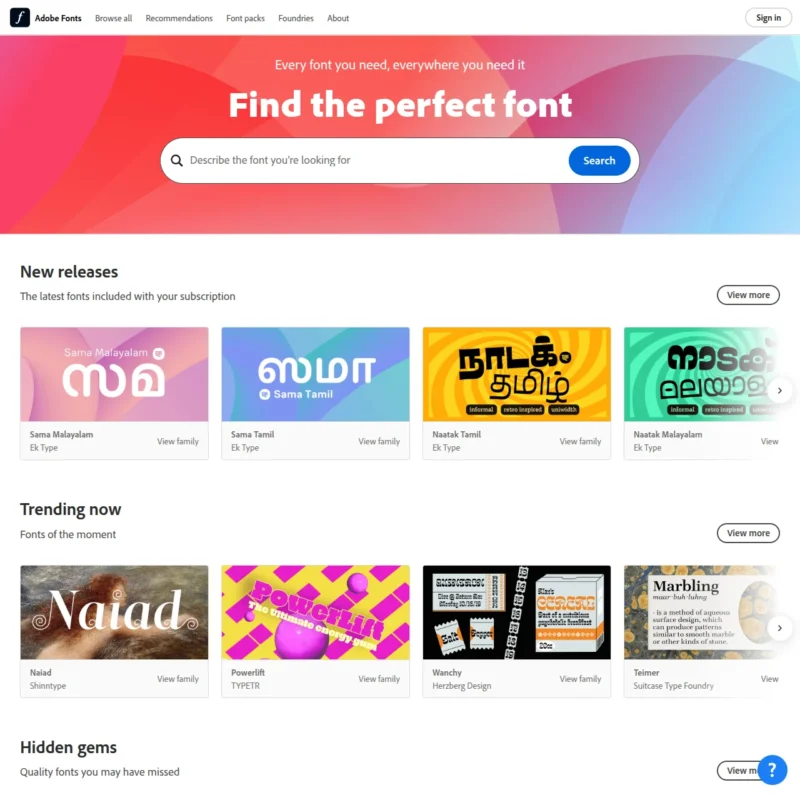
Adobe Fonts is included with all paid Creative Cloud plans, as well as Acrobat and paid Adobe Express plans, so for many designers it costs nothing extra. The library holds thousands of fonts from more than 150 foundries, many of them serious professional typefaces, and you can activate as many as you like with a single click. According to Adobe’s licensing FAQ, the license covers commercial print, client work, merchandise, and web use through Adobe-hosted web projects. Free and trial accounts get only a limited basic library.
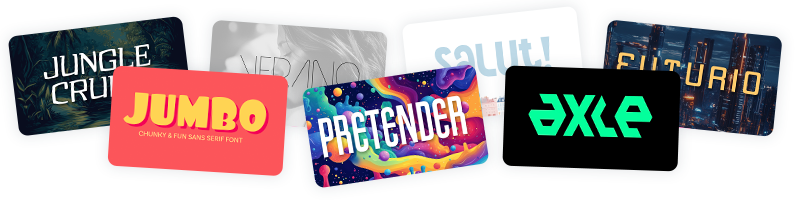
Get 300+ Fonts for FREE
Enter your email to download our 100% free "Font Lover's Bundle". For commercial & personal use. No royalties. No fees. No attribution. 100% free to use anywhere.
Limitation: You cannot embed Adobe Fonts in mobile or desktop apps, and if your subscription ends, editable files will show missing fonts. You would then need to buy perpetual licenses directly from the foundry.
Ideal for Creative Cloud users who want professional type with zero extra spend.
Pay-per-font marketplaces: where to buy fonts you own
If you are wondering where to buy fonts you can keep forever, pay-per-font marketplaces are the answer. You pay once per font or family, and the license is perpetual. Pricing depends on the license type (desktop, web, app, or ebook) and often on the number of users, pageviews, or apps, which is why the same font can have very different prices depending on how you use it.
MyFonts: the biggest catalog if you buy fonts one at a time
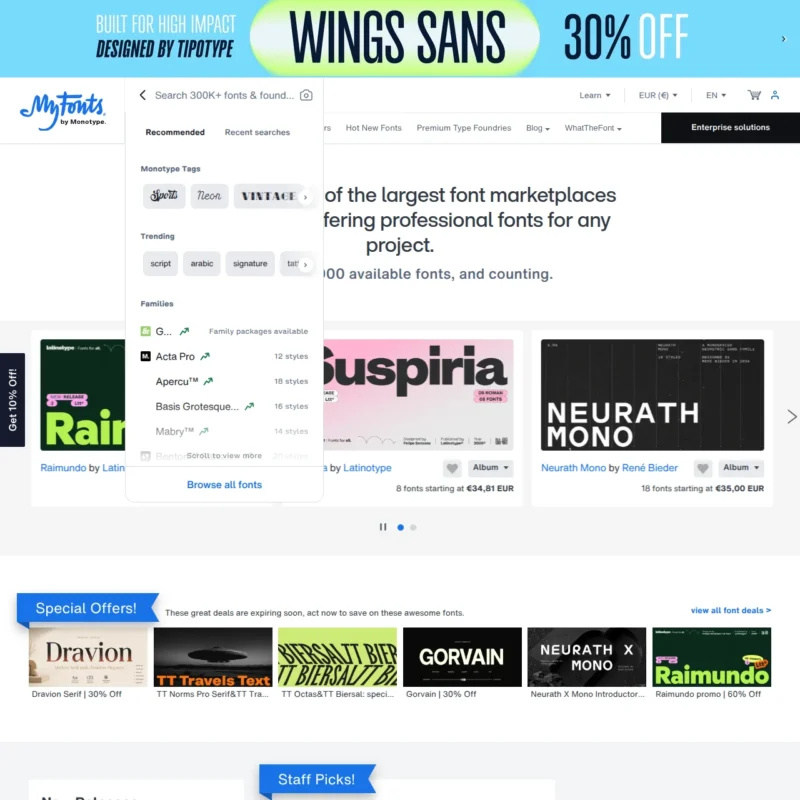
MyFonts, owned by Monotype, is one of the largest font marketplaces in the world, with fonts from Monotype’s own libraries and thousands of independent foundries. It sells one-time licenses in clearly separated types: desktop, webfont, mobile app, electronic document, and digital ads and email. You can preview any font with your own text, and its free WhatTheFont tool identifies fonts from an image, which is handy when a client sends a screenshot and says “use this one.” It suits anyone who knows exactly which typeface they need and wants to own it.
Limitation: The sheer size makes browsing overwhelming, and license terms vary by foundry, so you need to read each font’s EULA rather than assume every purchase covers the same uses.
The best place to find and own almost any professional typeface.
Creative Market: best for display, script, and handmade fonts
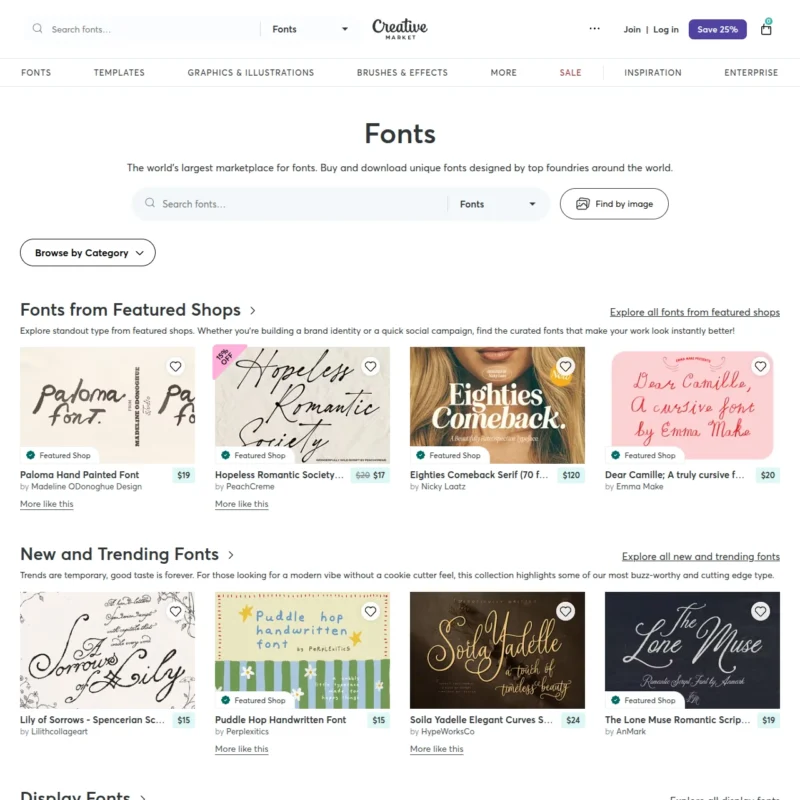
Creative Market is a marketplace for independent designers selling fonts, graphics, and templates. Fonts come with a desktop license by default, which covers commercial and personal projects including physical products, social media, and ads, while webfont, app, and ePub licenses are sold as separate tiers. The selection is heavy on trend-driven display, script, and handwritten styles, making it popular with small brands, Etsy sellers, and social media designers. Prices are usually modest compared to the big foundries.
Limitation: Quality varies from shop to shop, and the desktop license does not let you embed the font in a website or app, so budget for the extra license tier if the font needs to live online.
Ideal for one-off brand and social projects that need a distinctive display font.
Fontspring: the clearest licensing of any paid marketplace
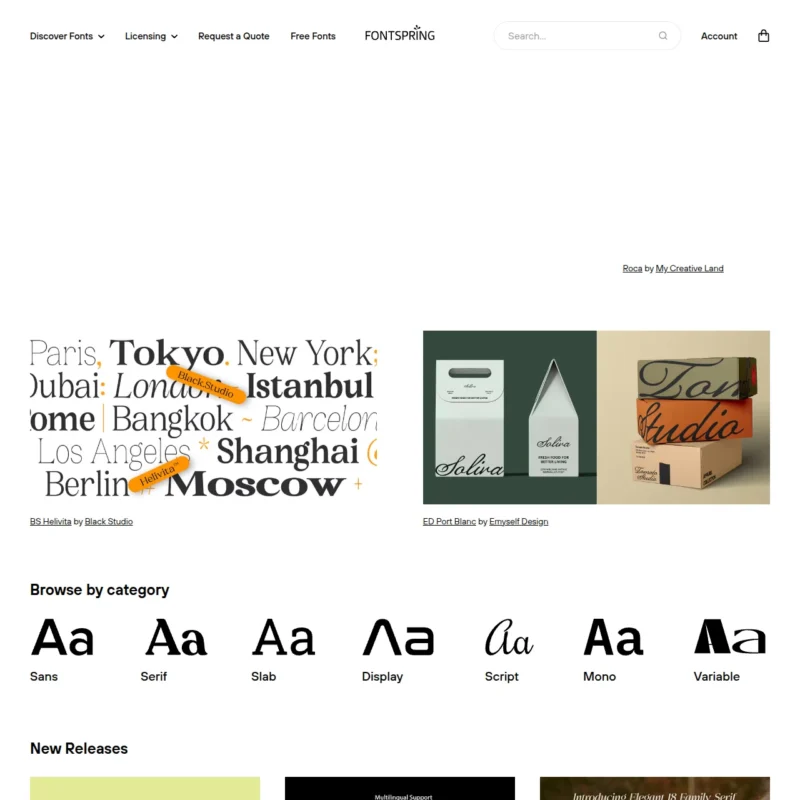
Fontspring sells perpetual licenses only, with no subscriptions, across four straightforward types: desktop, web, ebook, and app. Its standout feature is the Worry-Free badge, which guarantees a font’s license covers the uses a typical designer expects, such as logos, unlimited domains without pageview tracking, and unlimited apps. Many fonts also have free demo versions with a reduced character set, so you can test before buying. The curated catalog includes respected foundries like Exljbris and Mark Simonson Studio.
Limitation: The catalog is smaller than MyFonts, and not every font carries the Worry-Free badge, so you still need to check the terms on fonts without it.
Ideal for one-off brand projects where you want to own the license outright, with no fine print surprises.
Fontstand: best for renting premium fonts before you commit
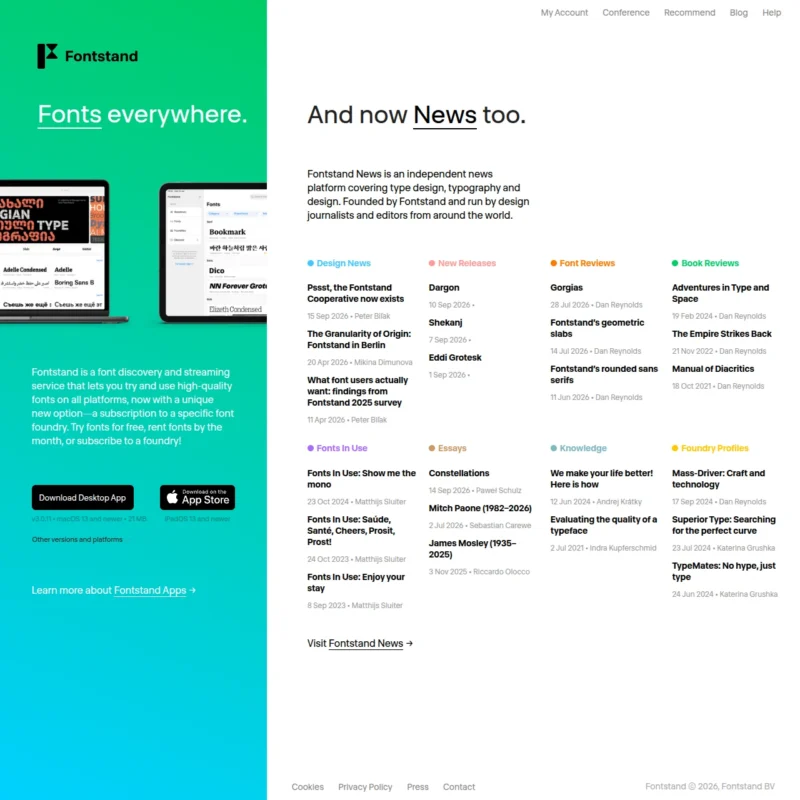
Fontstand is a desktop app for Mac and Windows that lets you try any font free for a few hours, then rent it by the month for a fraction of its retail price. According to its help page, after twelve monthly rentals you own the license permanently, and you can pay the remaining balance early to buy it outright. Rentals include hosted web fonts up to a monthly pageview allowance. The catalog focuses on independent foundries and high-quality text typefaces, which makes it a favorite of editorial and branding designers.
Limitation: You need to install the Fontstand app to use it, and rentals are primarily for desktop and hosted web use, so app embedding or large-scale web traffic requires going to the foundry.
Ideal for testing a premium typeface on a live project before paying full price.
Free libraries worth knowing
Free font sites are the best sites to download fonts when budget is tight, but only if the license actually allows commercial use. The three below are reliable because they either publish every font under a clear license or hand-pick fonts that are cleared for commercial use.
Google Fonts: the safest free fonts for commercial use
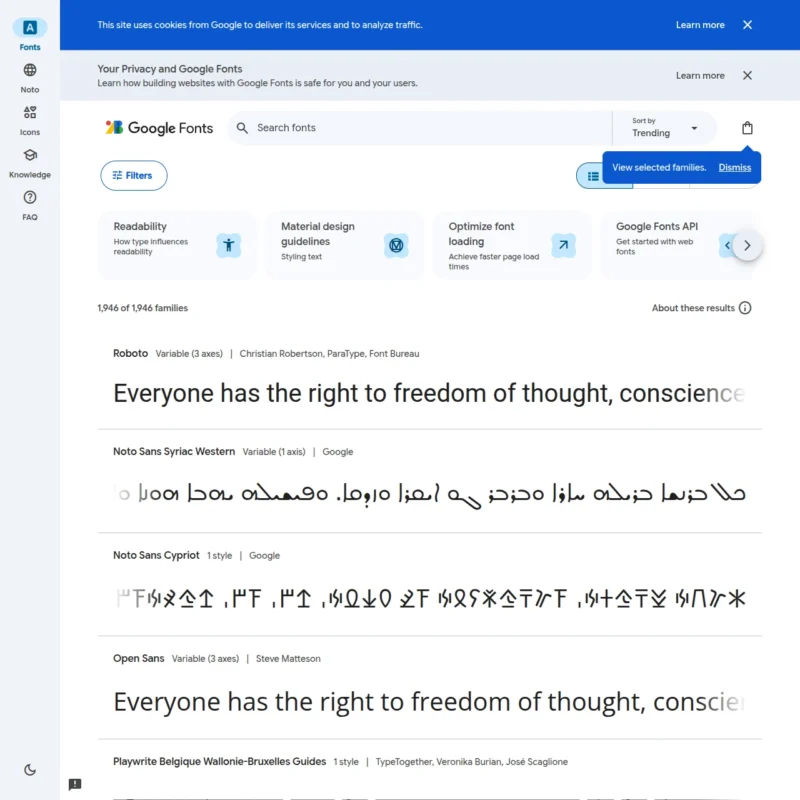
Google Fonts offers well over 1,500 font families, all published under open source licenses, mostly the SIL Open Font License. Per the Google Fonts FAQ, you can use them commercially in print, on the web, in apps, and in logos, and you can self-host them or load them from Google’s servers. Quality ranges from workhorse text families like Inter and Roboto to more experimental display faces, and many support dozens of languages.
Limitation: Because these fonts are free and everywhere, they rarely make a brand look distinctive, and you cannot sell the font files themselves.
The default choice for free, worry-free commercial use.
Fontshare: free fonts that feel like paid ones
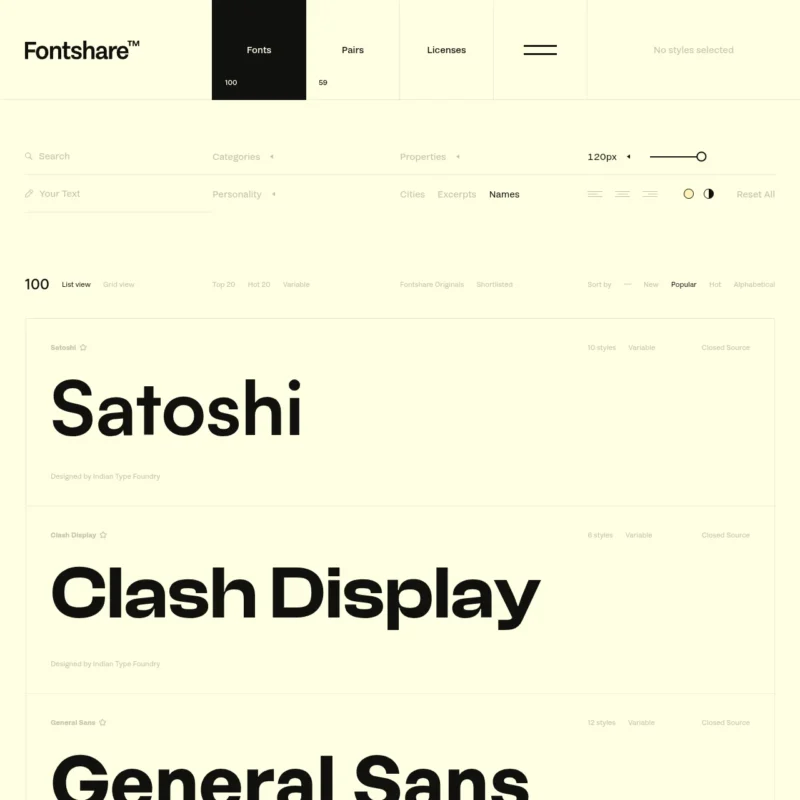
Fontshare is a free font service run by the Indian Type Foundry, offering around 100 font families made by professional type designers. The fonts are free for personal and commercial use under Fontshare’s free font license, with some families released under the SIL Open Font License. The selection is modern and polished, with strong sans serifs and display faces that look like they came from a paid foundry.
Limitation: The catalog is small, so you will quickly exhaust your options for a project that needs a specific style, and you cannot resell or redistribute the fonts.
Ideal for startups and designers who want a premium look on a zero budget.
Font Squirrel: hand-picked free fonts plus useful tools
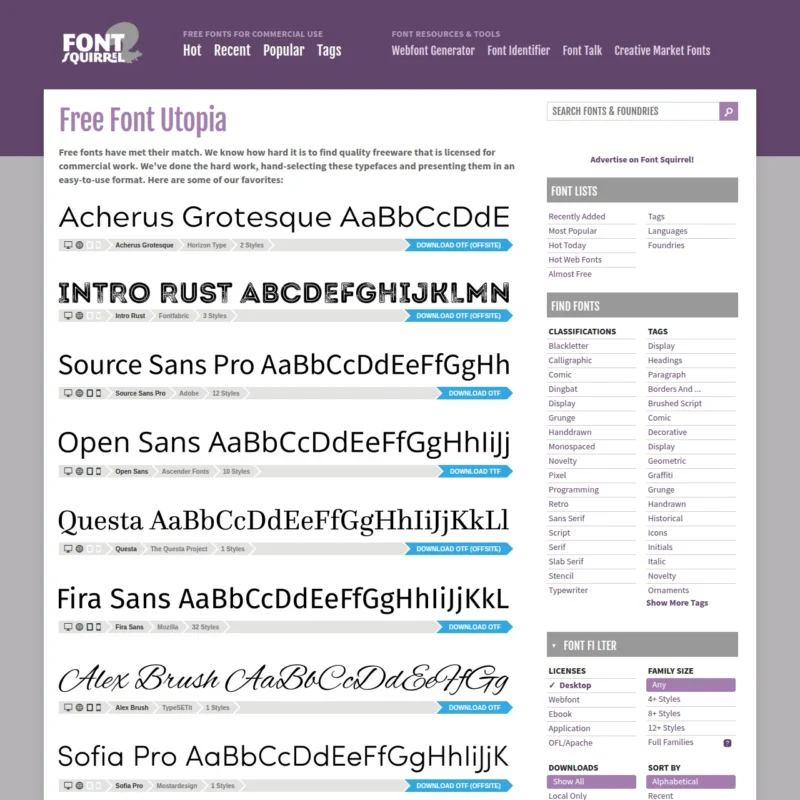
Font Squirrel, the free sister site of Fontspring, curates free fonts licensed for commercial use rather than hosting anything that is uploaded. It is also known for two free tools: the Webfont Generator, which converts fonts you have the rights to into web formats, and the Matcherator, which identifies fonts from an image.
Limitation: Licenses vary from font to font, and some are open source while others come with custom terms, so always check the license on each font page before using it in client work.
Ideal for finding free commercial fonts and the tools to put them on the web.
How font licensing actually works
Font licensing explained simply: when you “buy” a font, you are buying a license to use the software under specific conditions, not the font itself. What a font license covers depends on its type:
- Desktop license: Install the font on a set number of computers and use it to make static output like print materials, logos, images, and PDFs.
- Web license: Embed the font on a website with @font-face. Often limited by domains or monthly pageviews.
- App license: Embed the font inside a mobile or desktop application. Usually priced per app.
- Ebook or digital document license: Embed the font in an ebook, e-magazine, or interactive PDF.
“Commercial use” generally means using the font in work that makes money, such as client projects, products you sell, or ads. Most paid licenses allow it, but many free fonts from unvetted sites are personal use only.
Always check the license before a client project. A desktop license rarely covers the client’s website, and if your client plans to use the font themselves, they may need their own license. For subscription services, read the official terms, for example Envato’s license terms and Help Center.
Subscription vs buying individual fonts: which is better?
The subscription vs buying individual fonts decision comes down to frequency and ownership.
A subscription is better when you start new projects often, need variety, and want to try fonts freely. One predictable fee covers everything, and for services like Envato it covers other assets too. The trade-off is that you rent access: once the subscription ends, you cannot install fonts again or start new work with them, even though existing projects usually keep their license.
Buying individual fonts is better when one typeface will define a brand for years. You pay once, the license is perpetual, and it does not depend on any ongoing payment. The trade-off is up-front cost and the need to buy extra licenses for web, app, or ebook use.
Many professionals use both: a subscription for day-to-day content and campaign work, and purchased licenses for core brand fonts.
Free vs paid font sites: when free is enough
Free vs paid font sites is less about quality than it used to be. Google Fonts and Fontshare both publish fonts that hold up in professional work. Free is usually enough for websites, internal documents, prototypes, and early-stage brands.
Paid fonts earn their price when you need a distinctive identity, a large family with many weights and styles, extensive language support, or support from a foundry. The real risk with free fonts is not quality, it is licensing: fonts from random download sites are often personal use only, or uploaded by someone who does not own them. Stick to sources that publish clear licenses.
A note on font marketplace pricing
Font marketplace pricing changes often, so this guide describes pricing models instead of exact prices. As a rule, subscriptions are billed monthly or annually with discounts for annual plans, one-time licenses scale with the number of users, pageviews, or apps, and rentals like Fontstand cost a fraction of retail each month. Always confirm the current price on the marketplace’s own pricing page before you commit.
Frequently asked questions
What is the best website to buy fonts?
It depends on how you buy. MyFonts has one of the largest catalogs for one-time purchases, Fontspring has the clearest licenses, and Envato or Adobe Fonts offer the best value by subscription. For free commercial fonts, Google Fonts is the safest choice.
Is a font subscription better than buying fonts individually?
A subscription is better if you need new fonts regularly, since one fee covers a whole library. Buying individually is better for a long-term brand font, because the license is perpetual and does not depend on an ongoing payment. Many designers combine both approaches.
Can I use free fonts for commercial projects?
Yes, if the license allows it. Fonts on Google Fonts, Fontshare, and Font Squirrel are cleared for commercial use, though Font Squirrel licenses vary by font. Many fonts on other free download sites are personal use only, so always check the license before using one in paid work.
What does a commercial font license cover?
A commercial font license lets you use a font in work that earns money, such as client projects, products, ads, and logos. The license type sets where you can use it: desktop licenses cover static output, while websites, apps, and ebooks usually need separate web, app, or ebook licenses.
The bottom line
There is no single best font marketplace, only the best one for how you work. Choose a subscription like Envato or Adobe Fonts if you need fonts constantly, a pay-per-font marketplace like MyFonts, Fontspring, Creative Market, or Fontstand if you want to own a specific typeface, and Google Fonts, Fontshare, or Font Squirrel when the budget is zero. Whatever you pick, read the license before the font goes into a client project.